
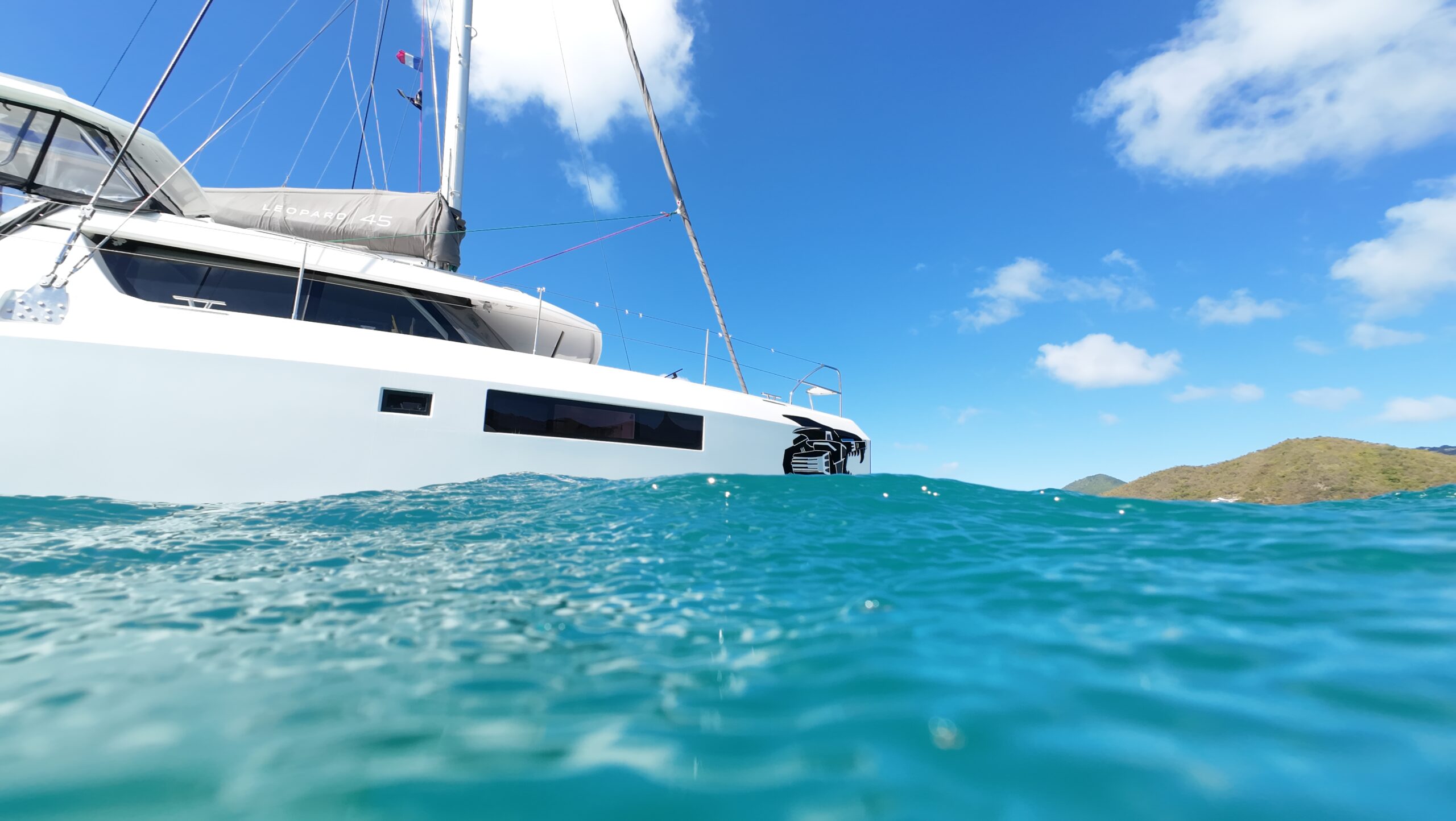
Starlink has revolutionised liveaboard cruising by providing high-speed satellite internet to your boat, no matter where in the world you are. It allows cruisers to stay in touch with family, work online and gain easy access to the latest weather forecasting.
In this article we’re going to explore what there is to know about Starlink for boats, including how to order it, what plans and dishes are available, and what it costs.
What is Starlink#
Starlink is a satellite internet constellation that provides high speed internet access to underserved and remote areas around the world, as well as enhanced internet connectivity in populated areas.
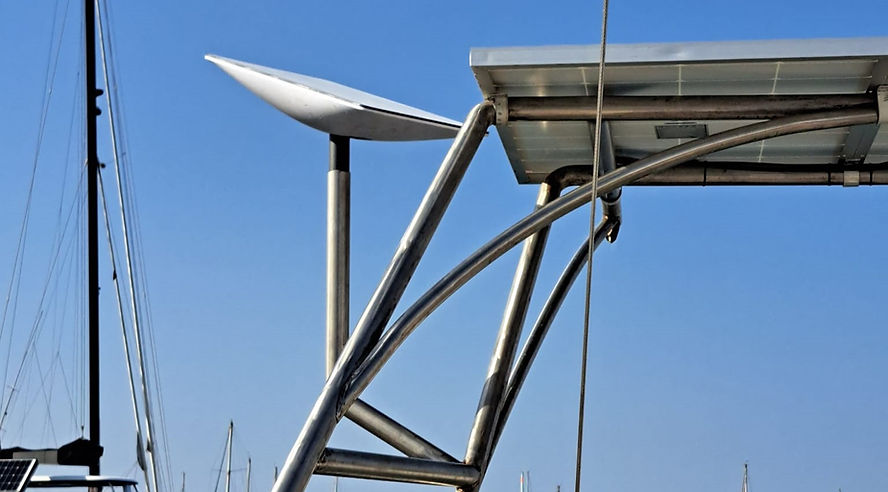
The constellation consists of thousands of small satellites in low Earth orbit (LEO) that are launched by SpaceX. These satellites communicate with ground stations and user terminals (commonly referred to as dishy or Starlink dishes) to provide internet access.
Installing Starlink on a boat#
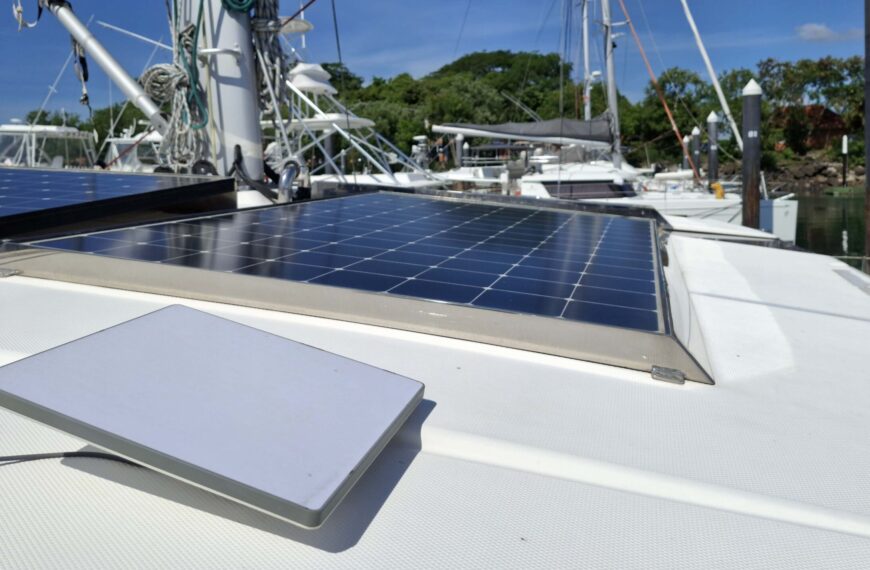
Installing a Starlink satellite dish is a simple way to be able to get reliable internet on a boat. To get Starlink you can go to their website, select the plan and dish you want, then place an order. It’s also possible to buy second hand dishes (be wary of scammers!) or get them from a reseller like West Marine – the subscription account will still run through Starlink.
Which plans does Starlink have available#
At the moment Starlink has 3 user categories each of which has access to different plans.
- Starlink Residential
- Starlink Roam
- Starlink for Maritime
Let’s take a look at each of those, breaking down what type of user they’re designed for and which plans there are to choose from. We’ll also take a look at Standby Mode and the new Personal Maritime plan.
Starlink Residential#
Starlink Residential is for use at home, providing unlimited data to one location. It’s the cheapest option available and includes unlimited high-speed data, but the dish is meant to stay within a certain distance of the registered address so it’s not appropriate for use on boats.
Starlink Roam#
For people who are on the go or want to use their Starlink in more than one location, there’s Starlink Roam. Among live-aboard cruisers and casual boaters this was the most-used option before stricter limitations were placed on international roaming.
There are three Starlink Roam plans:
- Roam 100GB – Allowance of 100GB per billing cycle at which point the speed drops (Limited to in-country/region use)
- Roam 300GB – Allowance of 300GB per billing cycle at which point the speed drops (Limited to in-country/region use)
- Roam Unlimited – Unlimited data anywhere the Roam plan is available (Limited to 30 days international roaming)
To learn more about the travel limitations for Roam Unlimited, as well as which countries are grouped into a single region, you can check the Starlink website.
Starlink has a referral program so if you use this link to sign up for a Residential or Roam Unlimited plan, you could get 1 month free and so would we.
What’s included with Starlink Roam#
Those on the Starlink Roam Unlimited plan get access to:
- Country wide coverage on land within the country/region of registration
- In motion use regardless of hardware
- International travel for Roam Unlimited up to 30 days
- Opt in to Ocean Mode for cover beyond 12 NM
Personal Maritime#
While Personal Maritime isn’t currently listed on the pubic facing side of the Starlink website, it is listed under Starlink Roam in the Plan Descriptions. To qualify, you must be using Personal Maritime on a personal vessel up to 60ft that complies with the terms. It allows for unlimited data in territorial waters worldwide, unless there’s local limitations. For a complete overview, check out this video:
Getting offshore data on Roam#
With a Roam Unlimited or Personal Maritime plan, you can switch on “Ocean Mode” in the app and pay by the GB to use Starlink during offshore passages. It costs 6 USD per GB, although current Roam Unlimited users still get it for 2 USD per GB until September 27, 2026.
Starlink for Maritime#
Previously there was an option on the Starlink website called Starlink Boats. The marketing has changed to Starlink for Maritime, and it’s now directed more towards commercial vessels like fishing boats and cargo ships. That said, there are cruisers using these plans.
Under the Starlink for Maritime category there are 4 main plans, which are also marketed as the Global Priority Plans.
- Global Priority 50GB Plan
- Global Priority 500GB Plan
- Global Priority 1TB Plan
- Global Priority 2TB Plan
If the high-speed data allowance is exceeded, you can buy additional data blocks to use. Due to the priority data allowance it’s also possible to use these plans offshore instead of having to switch on Ocean Mode.
Standby Mode#
In 2025 the free pause option was removed for most people, and replaced by Standby Mode.
At 10 USD per month for US customers, Standby Mode is available for Roam, Residential, and Priority plans. It offers speeds up to 500 Kbps download and upload, but doesn’t support offshore use. If you are on Personal Maritime, there’s currently no option to switch to Standby Mode.
Customers in these countries can’t use Standby Mode but still have access to the free, no data pause: Austria, Bangladesh, Benin, Botswana, Costa Rica, Democratic Republic of the Congo, Eswatini, Ghana, Hungary, Jordan, Kenya, Liechtenstein, Malawi, Mozambique, Nigeria, Oman, Qatar, Somalia, South Sudan, Sri Lanka, Zambia, Zimbabwe
A breakdown of the Starlink dishes#
When you go to buy a plan, Starlink will tell you which dishes are available and recommended for the plan you want. Not all dishes are available in all countries, but the power supply is 100-240V at 2.5A and 50-60 Hz as standard.
Here are some of the models currently available:
Standard Dish (Model V4)#
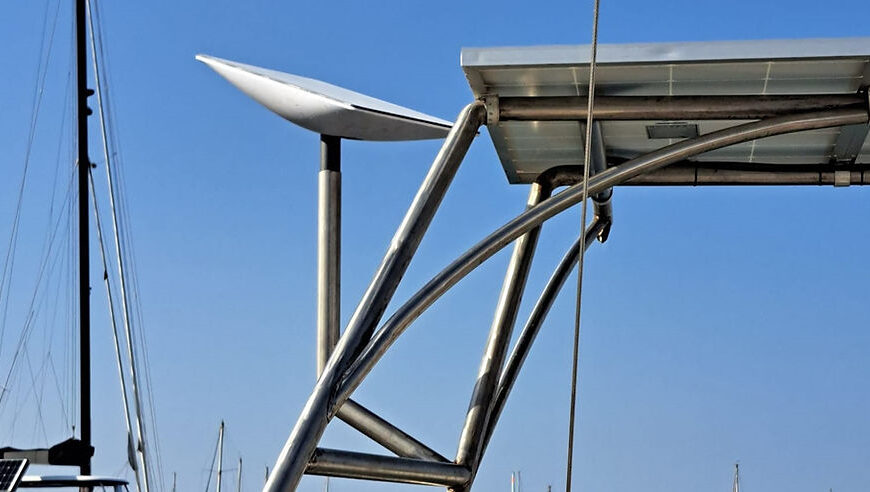
The Standard dish is best suited for residential and everyday use, but many people also have it on their boat. Released in December 2023 it uses software assisted manual orientation rather than an actuator.
- Operational Wind Speed: 96 kph+ (60 mph+)
- Environment Rating: IP67 Type 4
- Power Consumption: 75-100 W on average
Starlink Mini#
Introduced in 2024, the Starlink Mini dish is small in size, designed to be more portable than the larger dishes. We have one, and it’s been great so far – you can read the complete review here.
- Operational Wind Speed: 96 kph+ (60 mph+)
- Environment Rating: IP67 Type 4
- Power Consumption: 25-40 W on average
Performance Dish (Gen 3)#
Designed to operate at high temperatures, have better satellite connection and be more resilient to harsh conditions, the Gen 3 Performance dish is promising access to gigabyte speeds in future. Just be aware the router is external, and may not come with the dish.
- Survivable Wind Speed: 270kph+ (170 mph+)
- Environment Rating: IP68
- Power Consumption: 75-100 W on average
Flat High Performance Dish (Performance Dish Gen 2)#
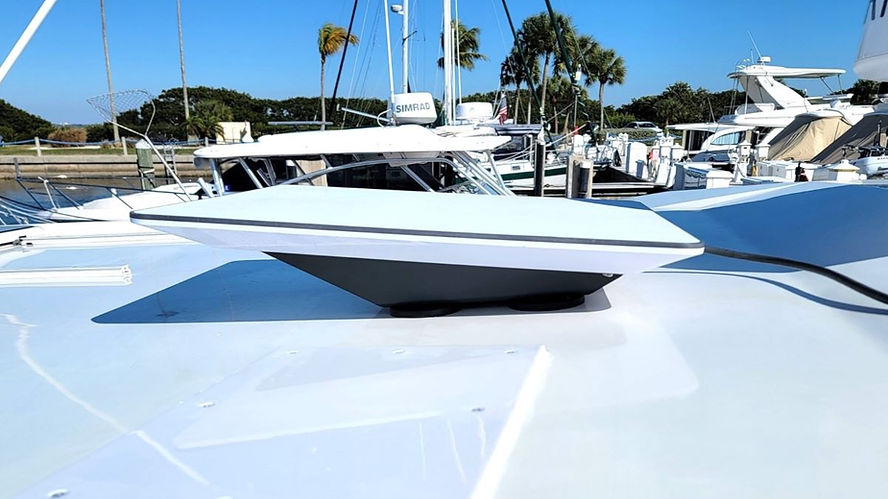
The Flat High Performance Dish, also called the Gen 2 Performance Dish, is for in-motion use and use in challenging locations, such as the marine environment. It has better GPS capabilities and can connect to a greater number of satellites, but again, the router is external.
- Operational Wind Speed: 280 kph+ (174 mph+)
- Environment Rating: IP56
- Power Consumption: 110-150 W on average
The cost to have Starlink on a boat#
How much it costs to have Starlink on a boat varies depending on which plan you have, the dish you want and where your service address is located. To give you an idea, here’s some comparisons that were accurate at the time of publishing.
This is what the Starlink hardware cost in four different countries, as of January 2026.
| Country | Standard Dish | Mini Dish |
| France | 349 EUR = 377 USD | 199 EUR = 290 USD |
| United States | 349 USD | 249 USD |
| Trinidad & Tobago | 2599 TTD = 368 USD | 1600 TTD = 235 USD |
| Australia | 549 AUD = 370 USD | 399 AUD = 285 USD |
| Saint Martin | 349 EUR = 405 USD | 399 EUR = 465 USD |
Once the hardware is paid for, you then need to pay a monthly subscription to maintain internet connection. This is how much it currently costs to have Starlink Roam in various countries around the world, as of May 2026.
| Country | Roam 100 GB | Roam 300 GB | Roam Unlimited |
| United States | 55 USD | 80 USD | 175 USD |
| Trinidad & Tobago | 340 TTD = 50 USD | Not currently supported | 670 TTD = 100 USD |
| Saint Martin | 40 EUR = 47 USD | Not currently supported | 90 EUR = 105 USD |
| Australia | 85 AUD = 60 USD | Not currently supported | 210 AUD = 150 USD |
| Philippines | 3299 PHP = 53 USD | Not currently supported | 5999 PHP = 97 USD |
| UK | 50 GBP = 67 USD | Not currently supported | 96 GBP = 130 USD |
| France | 40 EUR = 47 USD | Not currently supported | 89 EUR = 99 USD |
You can switch between plans in your Starlink account, but you can’t change the service country without transferring the dish (more on that below).
Personal Maritime costs 185 USD (or equivalent + tax) per month, and at this time any plan changes have to be done through a Starlink customer service agent.
Starlink has a referral program so if you use this link to sign up for a Residential or Roam Unlimited plan, you could get 1 month free and so would we!
The cost for Global Priority#
The pricing structure for Global Priority underwent a revamp in March 2025, with the some users seeing the price for the 50GB option being broken into a 150 USD connection fee and 100 USD fee for a 50GB block of data.
These are the USD prices for American customers as listed on the Starlink website:
| Base Package | Additional Data Blocks |
| Global Priority 50GB = $250 Global Priority 500 GB = $650 Global Priority 1TB = $1150 Global Priority 2TB = $2150 | Add 50GB = $100Add 500GB = $500 |
As you can see these plans are quite expensive, which is why cruisers tend to be on Roam Unlimited or Personal Martime.
FAQ for having Starlink on a boat#
Here’s the answers to a few questions you might still have about having Starlink satellite internet on a boat.
Will Starlink work on boats?#
Yes, provided it’s installed correctly and you have a valid plan for the area you’re cruising in.
Can I have internet in my sail boat in the middle of the ocean?#
Roam plan users have access to “Ocean Mode” so activating that will allow for ocean internet use.
People on Global Priority plans always have access to offshore data, so their internet will work even if they’re sailing across an ocean.
Can I change my Starlink address to a different country?#
Yes you can, but to change your Starlink’s registered country you need to set up a new account with a new address, and transfer the dish over.
Here’s a step by step run through of how to transfer a Starlink between accounts.
- Login to your Starlink account
- Go to “Subscriptions” and select the relevant subscription
- Under the “Servce Plans” box click “Cancel Service”
- Go to “Device” and choose the Starlink
- Write down the Starlink identifier, as you will need it later
- Press “Transfer” before confirming the conditions
From there you go through the activation process in the new account, entering the Starlink identifier when prompted.
Something to be aware of is you can run into problems in some places if the billing address on the account doesn’t match the billing address on your card, for example dishes with service addresses in the United States.

One of the creators behind Travel Sketch, Telicia lives full-time aboard SV Liger. She’s a freelance writer who’s worked with a range of international companies, and serves as social media coordinator and magazine editor for noforeignland. With the Med and Caribbean done, she’s charting a course through the Pacific and Asia.



Leave a Reply